An acrylic headphone stand should support the intended headband while leaving the ear cups, cable and controls clear. Begin with the actual headset rather than its nominal size or the height of a stand in a photograph.
Start with the headset in its resting shape
Record the headband width, its underside profile, the adjustment position and the lowest part of the hanging ear cups. Identify the connector exit and any fixed cable. For a headset with a suspended inner strap, show which part is intended to carry the contact; do not treat the outer frame and soft strap as interchangeable supports.
Give every headset model a row in the fit record. A shared retail stand needs a review of each model, including the smallest and largest intended adjustments. Keep the adjustment position in the sample photos so that a later reviewer can reproduce the arrangement.
Mark the support contact before choosing the finish
Draw the proposed top support over a side and front view of the headband. Mark the intended contact zone, nearby seams and any headband control. A broad curved contact and a narrow hook place the headset differently; neither shape alone establishes an acceptable contact pressure.
Place the representative headset on a sample, then inspect the contact and surrounding clearance. Record any visible mark or change after the agreed resting period. The buyer and supplier should agree that period and the acceptance criteria for the actual headband material.
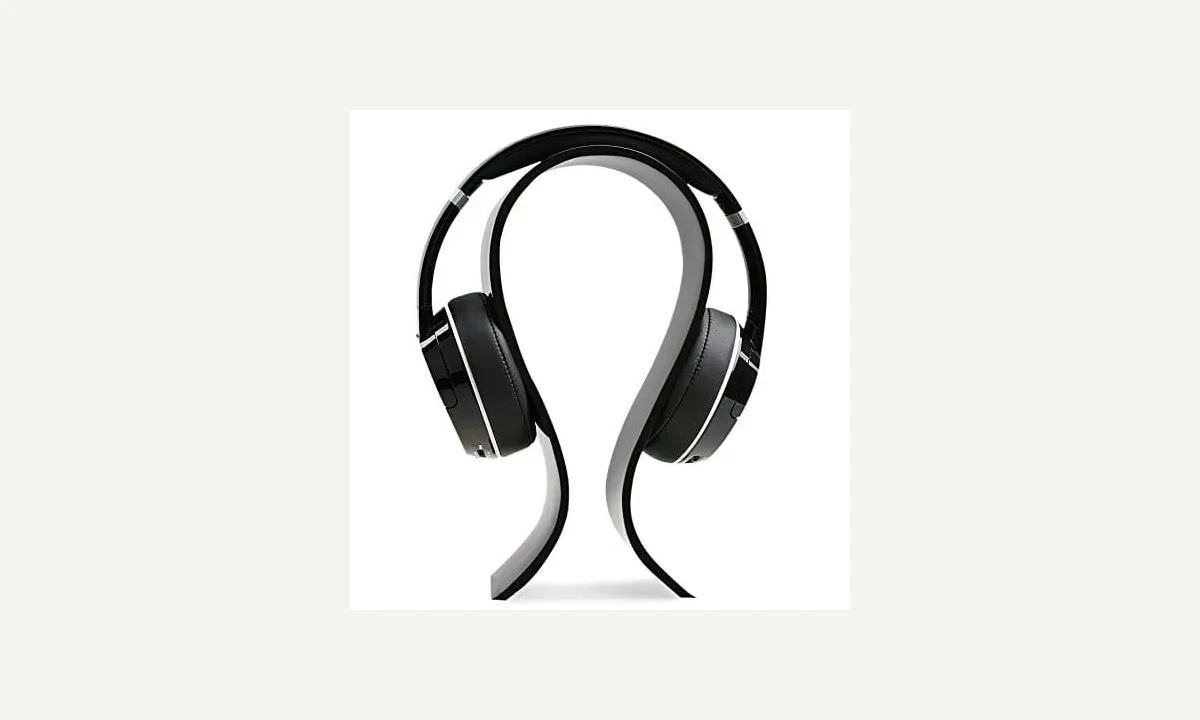
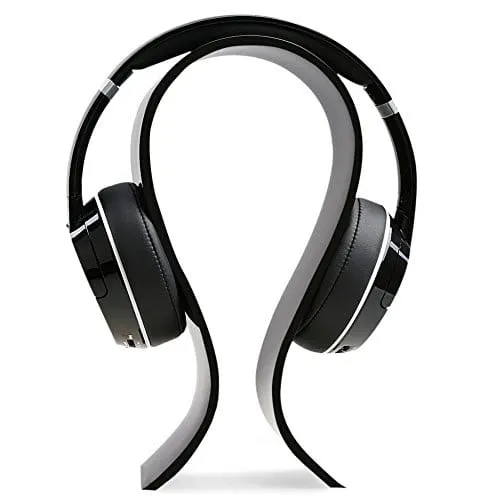
The catalog photograph provides a curved-stand reference. Confirm the material, finish and support construction with the supplier; the dark appearance alone cannot identify those details.
Check the ear cups and the complete cable route
Measure from the intended support contact to the lowest ear cup or connector in the chosen adjustment position. Compare that envelope with the stand base and the actual counter. Rotating ear cups can occupy a different space while the headset is being lifted.
Trace the cable from the headset toward its normal connection or storage point. Check for trapped connectors, a cable crossing the base and interference with neighbouring displays. A cable loop in a staged photo does not demonstrate the route a customer will use.
| Interface | Record | Sample observation |
|---|---|---|
| Headband | Width, underside profile, adjustment and intended contact | Contact location and visible change after agreed resting period |
| Ear cups | Lowest envelope and rotation during handling | Clearance at rest and during lift |
| Cable and connector | Exit direction and complete cable route | Snagging, trapping or contact with base |
| Counter | Surface, adjacent objects and access direction | Movement during placing and return |
Review placing, lifting and returning as one sequence
Set the sample on the proposed counter surface with the adjacent products in place. Observe the approach, grip, lift and return. Record movement of the stand and any contact between the ear cups, cable and base.
If a sample needs a revised base, contact profile or cable route, update the drawing before approving it. A successful check for one headset does not approve another model or establish a published load rating. Keep the headset ID, stand revision and review conditions together.
Download the project record
Use this blank record for the enquiry and agreed sample review. Mark unverified entries “To confirm” and retain the approved revision.
Acrylic Headphone Stands: Headband Contact, Ear Cup Clearance and Cable Access
Headset model and adjustment position:
Headband profile and intended contact zone:
Ear cup and connector envelope:
Cable route and adjacent display layout:
Stand drawing revision and component materials:
Agreed resting and handling review conditions:
Observations, photos, open actions and approval:
Download this blank project record (.txt). Mark unknown entries “To confirm” and retain the approved revision.
Specification questions
Can one stand fit every headset?
Confirm each intended headset and adjustment position. Headband shape, ear cups and cable exits can change the fit.
Does a photograph prove that the headband will not be marked?
No. Agree a contact review using the representative headset, proposed finish and resting conditions.
Send the reference and project record. TOYUDA is a trading and supply-chain coordination partner and can coordinate specification and sample reviews with suitable suppliers.
Apply this guide to your project brief
Use the recorded interface and review conditions when comparing the proposed reference.
- Headphone display fit references
Confirm the actual construction, dimensions and approval scope for the project.
Prepare your quantity, artwork and delivery details before requesting a quotation.