Plan an acrylic desk calendar as a matched set of support, printed pages and binding hardware. Confirm the finished page envelope, hole layout, ring movement and turning clearance before approving the complete set.
Define the finished page set before drawing the stand
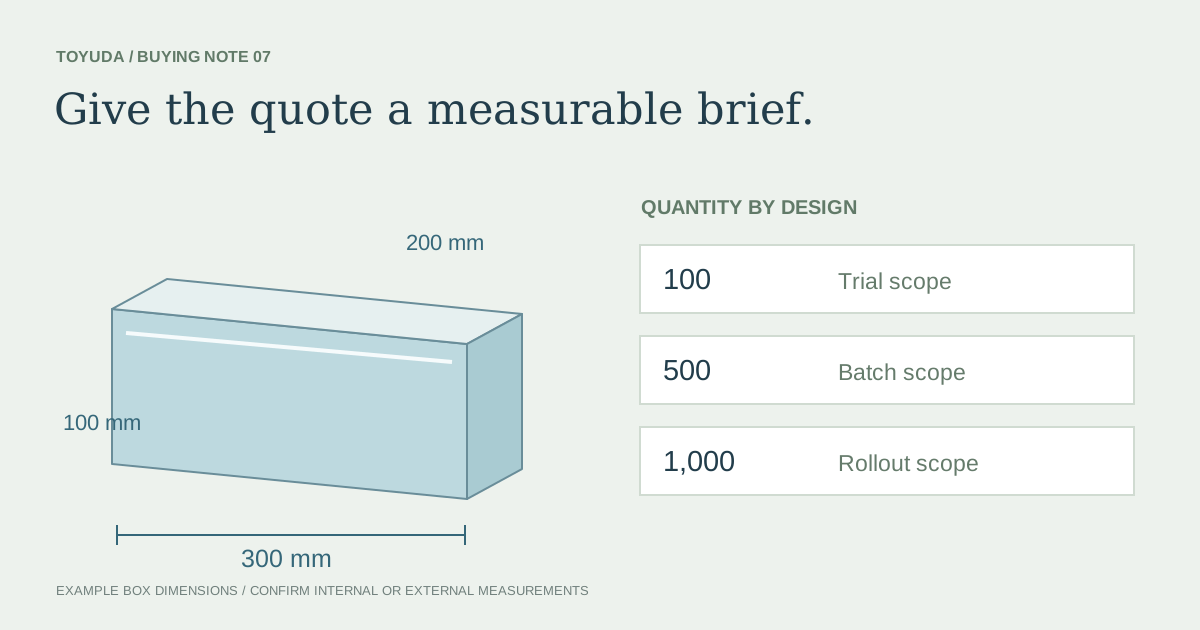
Start with the finished page width and height, orientation, page count and intended order. Include covers, backing cards and protective sleeves if they are part of the supplied set. Their outside edges and assembled thickness affect the fit.
Share a representative complete stack rather than a single loose paper sheet. Ask the printer to identify the stock and finishing revision. If several language or annual versions are planned, list their differences before treating them as one refill.
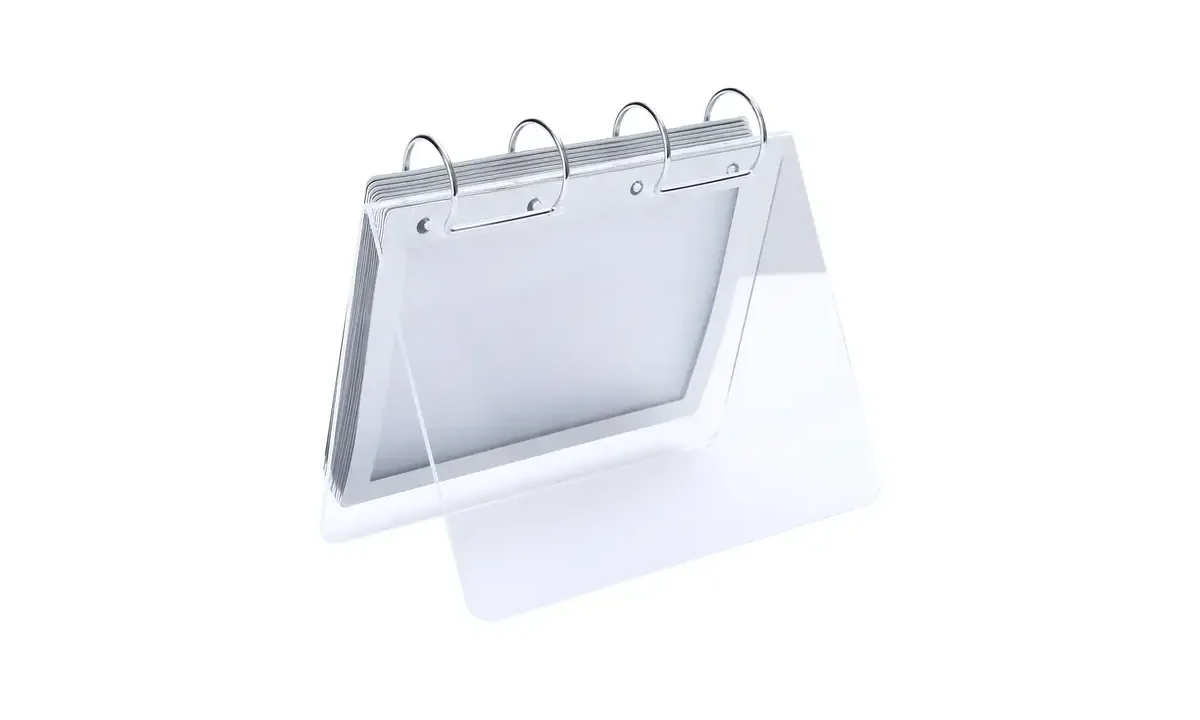
The photograph shows a ring-bound arrangement with blank pages. It illustrates the components that must work together. The number of rings visible in that reference is not a required format for every custom calendar.
Give the printer and stand supplier one hole layout
Use one controlled drawing for the page holes, support holes and binding hardware. Identify a common datum, such as a finished edge, and show how each position is measured from it. Include the hole count and the proposed ring or fastener reference.
Assign responsibility for punching the pages, preparing the acrylic and supplying the hardware. Separate drawings that happen to show similar spacing can still describe different revisions. Put the drawing ID and revision on the component list.
Keep the artwork view and production details separate. Printed content needs room around the binding area, while the fabricator needs the interface information. Ask both parties to confirm the matched set before either component is released.
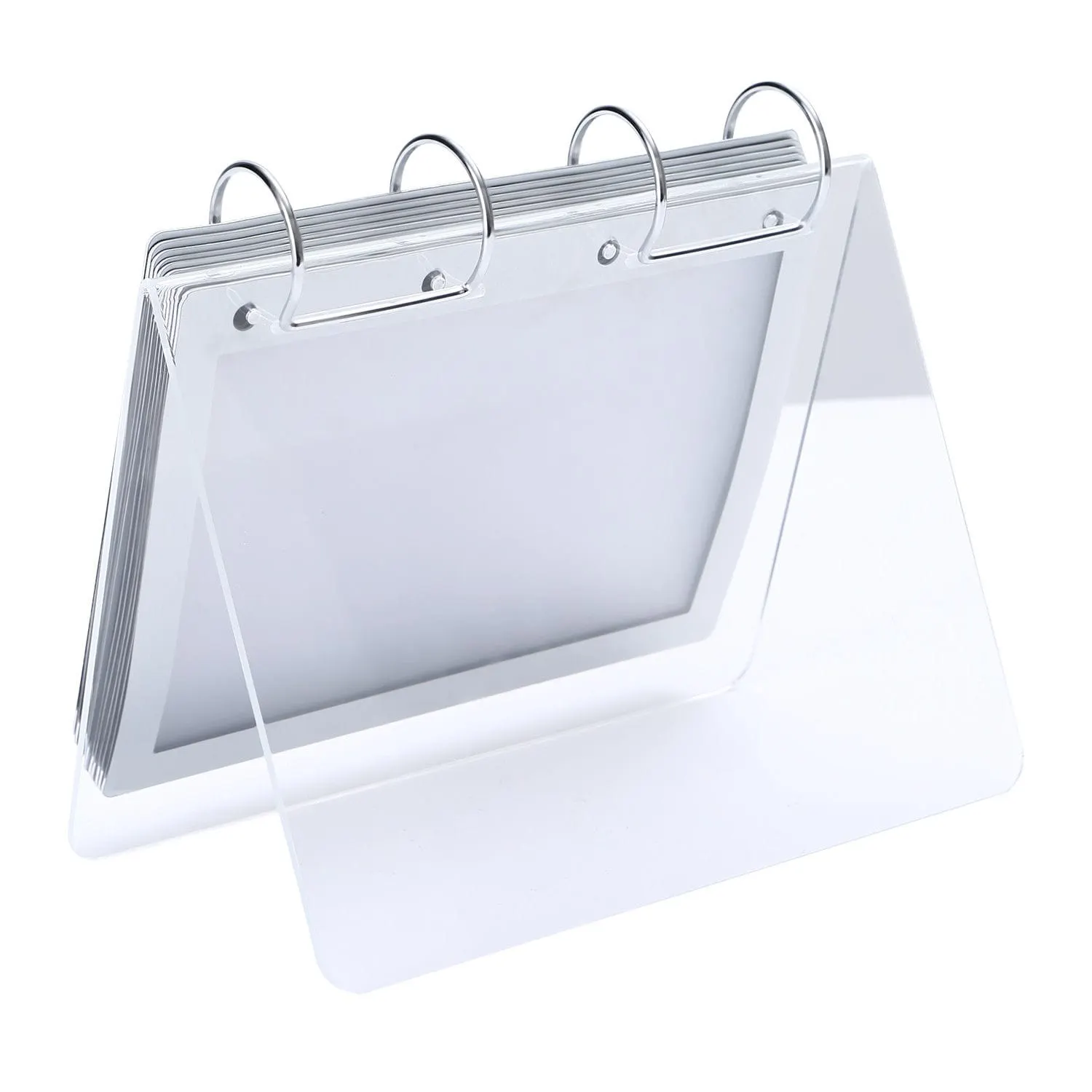
Check the first, middle and final page positions
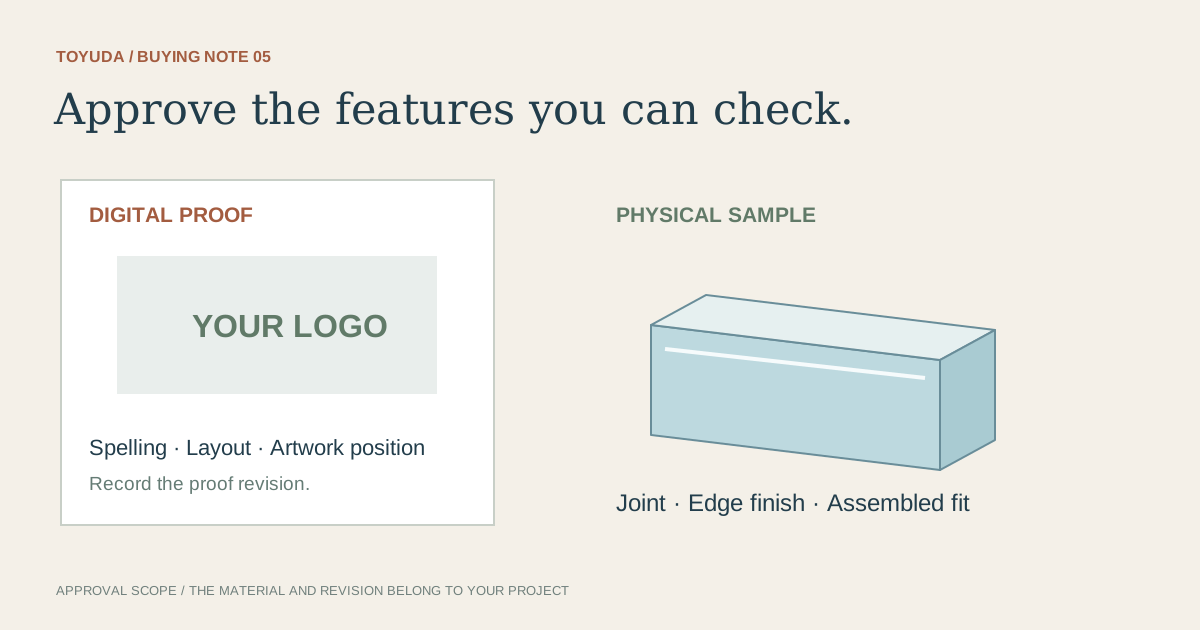
Trial the complete set with the selected hardware. Turn pages through their intended route and check the changing stack on both sides of the binding. Watch for contact with the support, bottom edge, nearby rings or the desk.
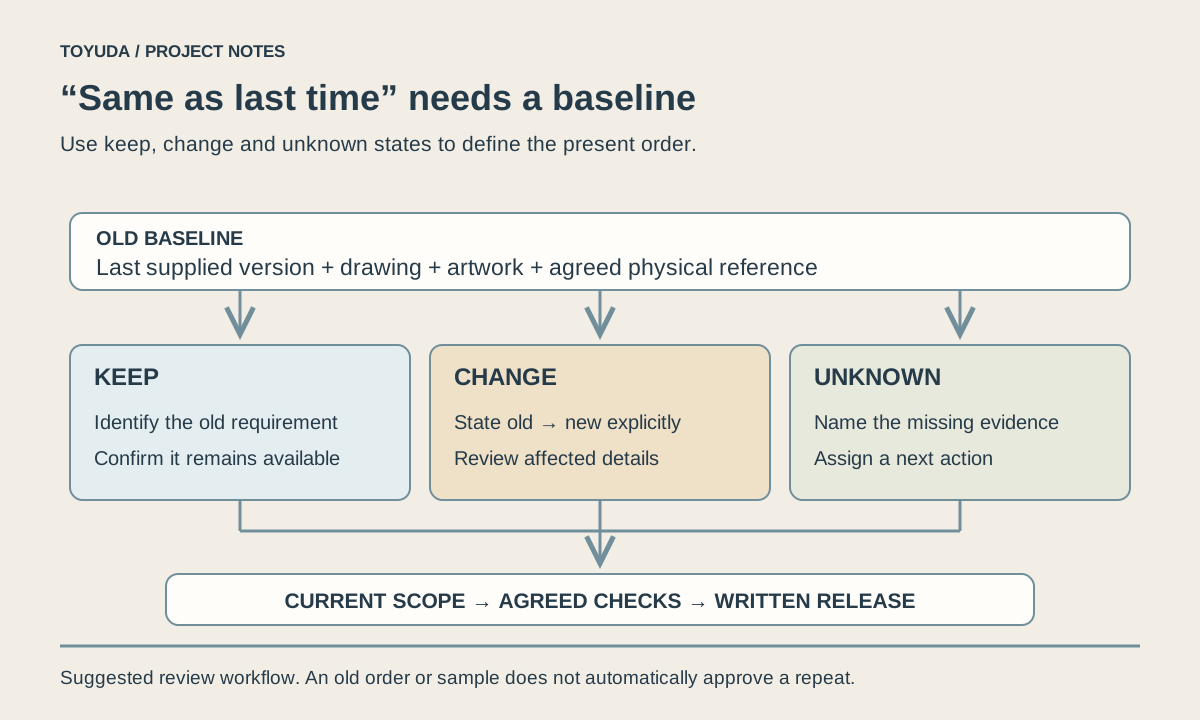
Read the front and reverse layouts in their actual positions. Confirm the order, orientation, visibility of dates and any branding that sits close to the binding. A flat proof alone cannot show whether content disappears behind a ring.
Record the intended desk footprint and how users hold the stand while turning pages. Any movement, edge interference or awkward access should become a named sample finding, with a proposed change and a further check.
| Component | Controlled information | Matched-set check |
|---|---|---|
| Pages and sleeves | Finished envelope, stock, count and artwork revision | Complete stack in front and reverse positions |
| Acrylic support | Finished shape, footprint and hole datum | Clearance at page edges and binding |
| Rings or fasteners | Reference, quantity and opening arrangement | Turning movement with the full page set |
| Future refill | New page revision against retained interface | Fit checked before repeat printing |
Release the stand, pages and future refill record together
Keep the approved support revision, page revision and binding reference in the same bill of materials. Record quantities and packing contents so a shipment described as a calendar stand does not leave the page set or rings ambiguous.
For a later annual refill, compare finished page size, stock, total stack, hole positions and artwork direction against the saved interface. A retained stand does not by itself establish that a new printer's pages will fit.
The blank record below can travel with the enquiry and subsequent sample. Complete observations only after checking the actual components. An unresolved hole layout or page-turning issue should stay visible until the responsible party confirms the revision.
Download the project record
Use this blank record to prepare the enquiry and capture the agreed sample review. Unknown measurements and unchecked results should remain open until they are confirmed.
Acrylic Desk Calendar Stands: Page, Hole and Ring Specifications
Project, drawing ID and revision:
Finished page width, height and orientation:
Page/cover/sleeve counts and stock reference:
Hole datum, positions and punching responsibility:
Support revision and maximum desk footprint:
Binding hardware reference, quantity and supplier:
Front/reverse artwork and reading direction:
Complete-stack turning observations and unresolved items:
Matched-set approval and future refill version:
Pack contents, quantity and delivery details:
Download this blank project record (.txt). Mark unknown entries “To confirm” and retain the approved revision.
Keep the matched-set decision with the sample approval record. For later refills, use the repeat-order change checklist to identify retained and changed components.
Two specification questions
Can next year's pages reuse the stand?
Only after checking the finished page set, hole layout and binding against the retained stand.
Is a flat artwork proof enough to approve the calendar?
It approves the recorded artwork scope. Check the complete physical set for binding and page-turning fit.
Share the page sample and proposed binding layout. TOYUDA is a trading and supply-chain coordination partner and can coordinate the specification and sample review with suitable suppliers.
Apply this guide to your project brief
Use the completed specification record to review the selected reference with its actual contents and site.
- Office product specifications references
Compare the proposed format, dimensions and sample review scope.
Prepare your quantity, artwork and delivery details before requesting a quotation.