Reorder a custom acrylic display from an identifiable previous version, then mark each requirement as keep, change or unknown. Confirm the current quantity, artwork, packing and delivery scope against that record before treating “same as last time” as an instruction to produce.
Find the last identifiable specification
Start with the previous order reference, released drawing, artwork and approved sample record. Confirm which version was actually supplied rather than choosing the newest file in an old email chain.
Photographs help identify a format, but they may not show panel thickness, concealed joints, print layers or packing details. Match them to measured information and the relevant release documents. If an old sample has been used, distinguish wear or damage from the original acceptance criteria.
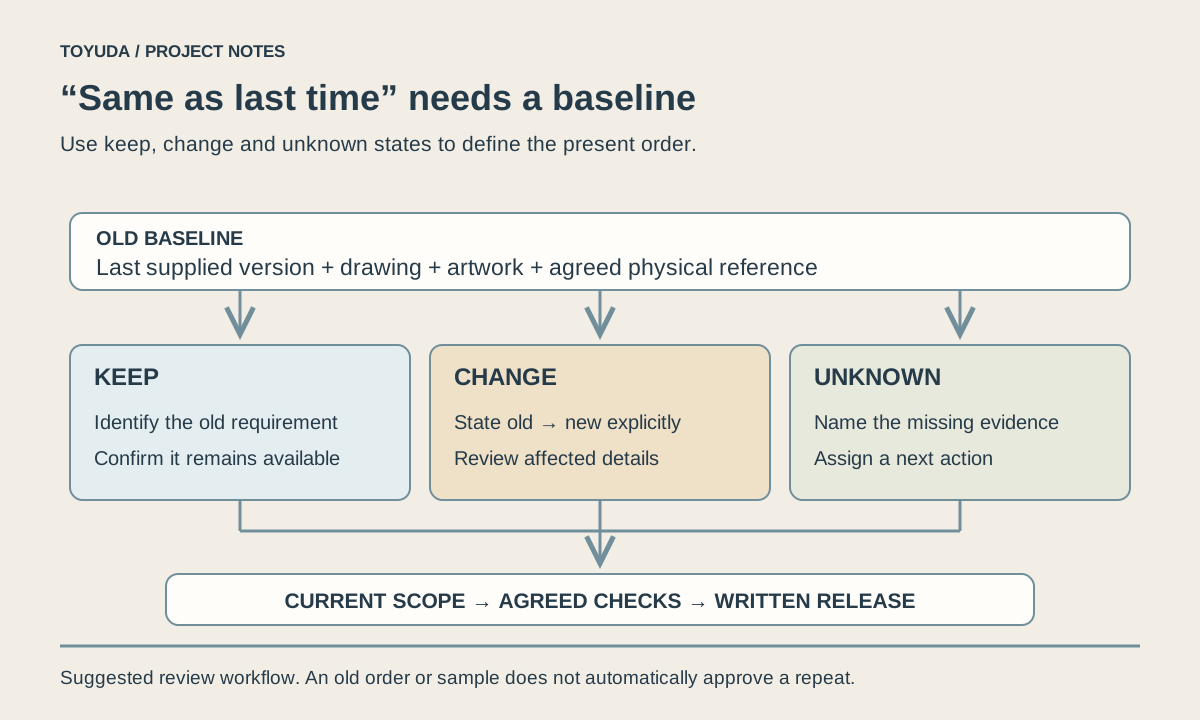
State where the old evidence is incomplete. An unknown requirement needs a named next step, such as finding a drawing, measuring the retained item or agreeing a new sample. It should not become a guessed value copied into the purchase brief.
The acrylic block reorder and packing record includes quantity changes, labels, packing data and freight-forwarder coordination. It does not establish final pickup or receipt. Use its documented decisions as an example of scope review, rather than as a guarantee for another reorder.
Mark what stays, what changes and what is still unknown
Compare each requirement with the old baseline and assign one of three states. “Keep” identifies the intended requirement; it still needs confirmation that the same specification is available for the current order.
| Requirement | Old baseline → current request | State and next evidence |
|---|---|---|
| Geometry | Drawing D4 → requested D4 | Keep; confirm current construction and availability |
| Artwork | Print file V2 → revised V3 | Change; check viewed proof and affected faces |
| Quantity | 40 → 60 pieces | Change; obtain a current quote and packing scope |
| Individual pack | Old photograph → current specification missing | Unknown; identify materials, layout and label requirements |
This is a fictional change log, not the quantities from the case above or a pricing rule. Add rows for material appearance, inserts, hardware, branding, SKU mix and destination where they matter to the selected display.
Choose new checks according to the actual change
Identify what a change can affect, then agree the proof, drawing or sample review needed for that scope. Reusing an old approval without checking its references can leave the revised requirement unreviewed.
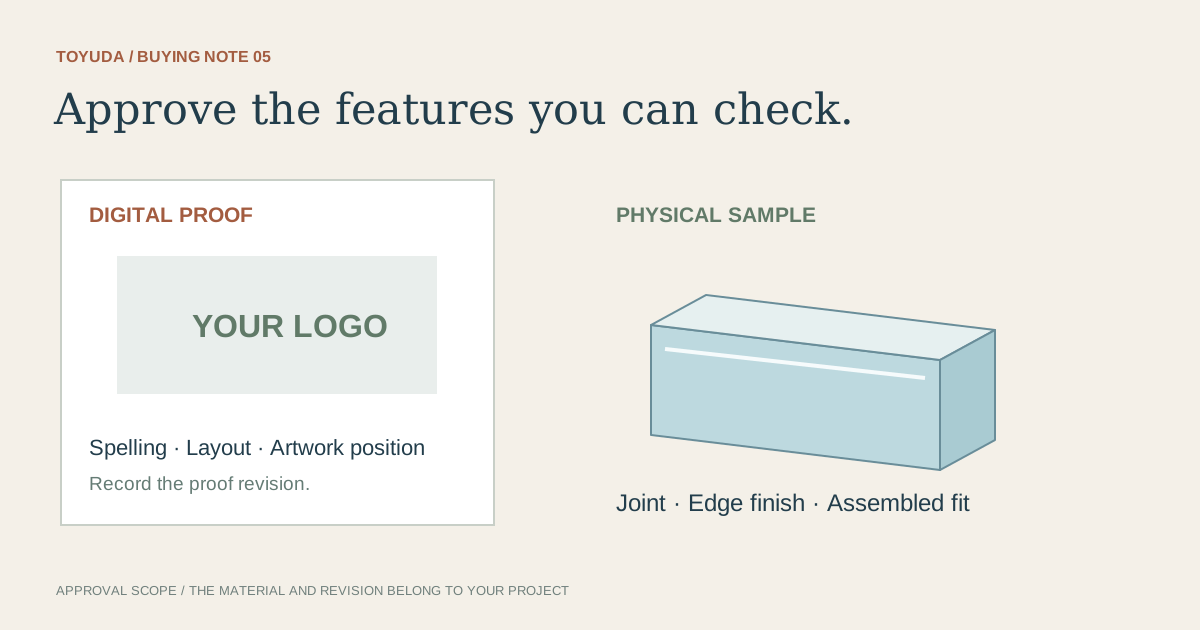
A wording change needs an artwork check; a change in printed background can also affect appearance. A larger panel or a different displayed load can require construction and support review. A new insert, base or handle may change fit, access and packing even if the outside silhouette looks similar.
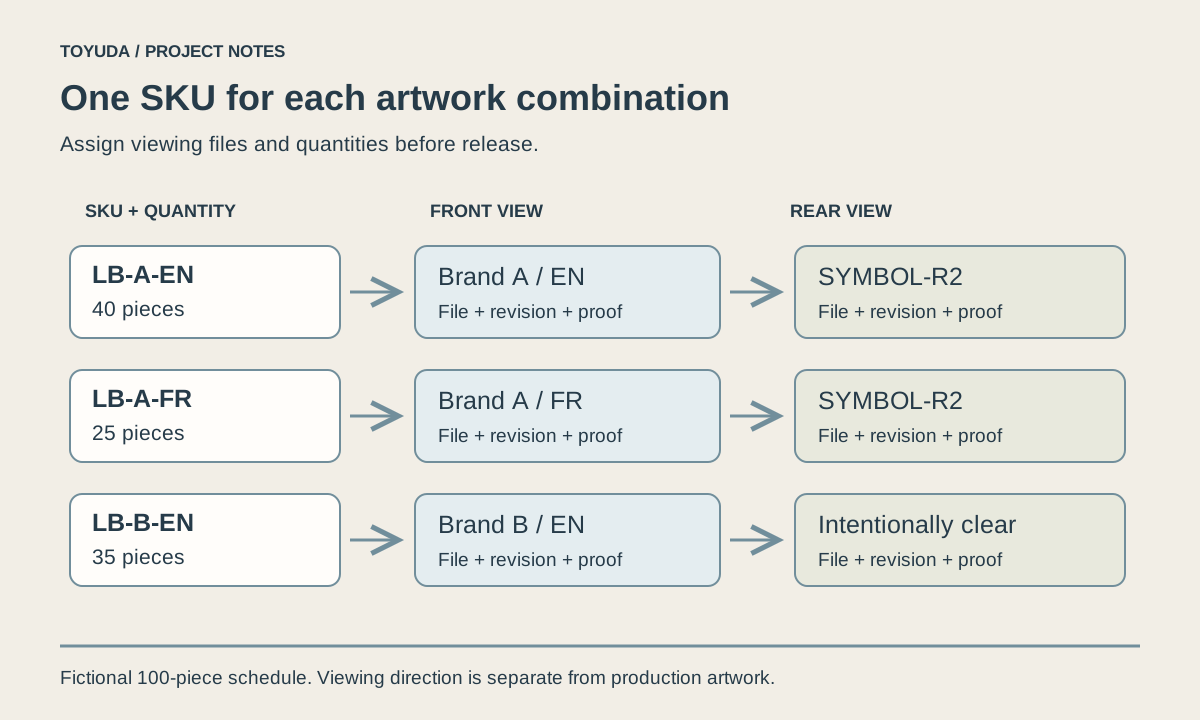
The sample approval guide records each agreed physical check. For multiple logo versions, use the artwork version schedule so the new file is assigned to the correct SKU and quantity.
The angled stand repeat-order record includes a size issue and replacement support before later dispatches. A reorder therefore benefits from retaining the relevant discrepancy and its agreed resolution with the baseline.
Confirm this order's quantities, packing and delivery
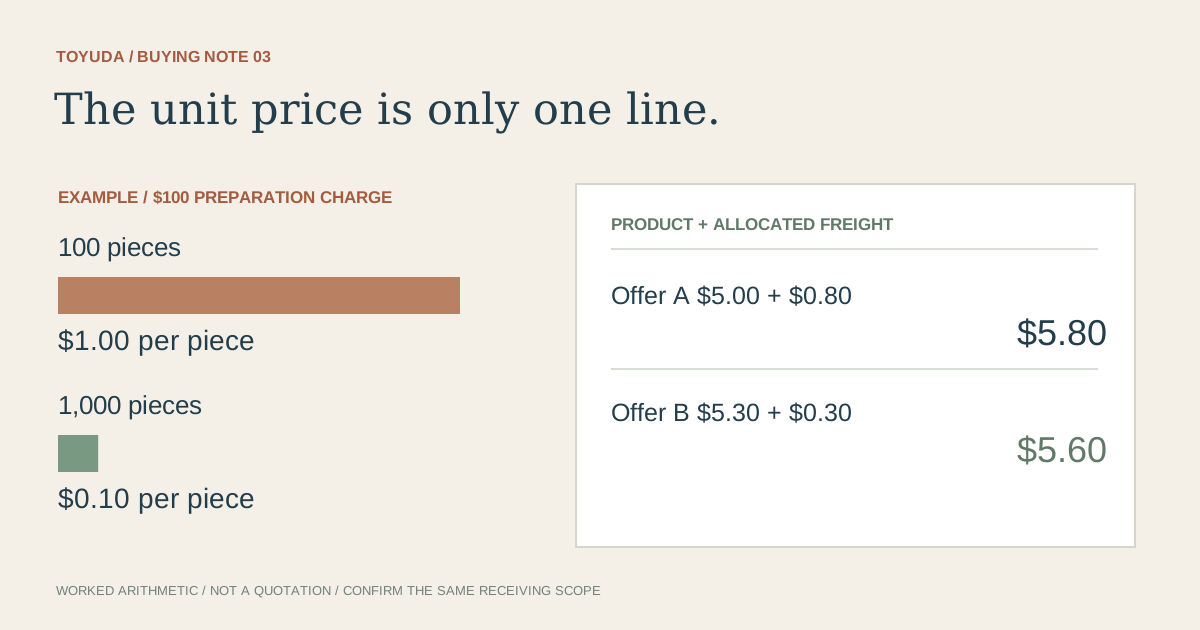
Request a current quotation against the revised schedule. Previous unit prices, material availability and production arrangements do not automatically carry into a new order.
List quantities by SKU and artwork version, then reconcile the total. Confirm whether the old individual protection and carton arrangement still suit the current mix. Changed quantities may alter how parts are divided between cartons, even when the product drawing stays the same.
Identify label artwork, destination, handover responsibilities and the current target date. Use the quote comparison and packing guides for the detailed fields. Agree delivery and defect terms for this order rather than inferring them from a historic shipment.
Release one current reorder package
Send one clearly identified package containing the baseline references, changes, approvals and unresolved decisions. Name the person responsible for confirming the final order scope.
Custom acrylic display reorder record
Current project / revision / date:
Previous order, drawing, artwork and sample references:
Requirement-by-requirement keep / change / unknown status:
Current drawing and artwork files by SKU:
Quantities per version and current order total:
Required proof, sample or construction review:
Previous discrepancy and agreed resolution:
Individual protection, carton mix and label revisions:
Current quote, destination, target date and handover scope:
Approved items, open decisions and release owner:
Download this blank project record (.txt). Mark unknown entries “To confirm” and retain the approved revision.
Retain the released package for bulk inspection and any later reorder. Keep outstanding items visible until resolved; an old order number is a useful reference, not a complete description of the current job.
Two repeat-order questions
Can an old product photograph start a reorder?
Yes. Add the previous order reference and identify missing specifications so the supplier can confirm the intended baseline.
Does a larger quantity automatically keep the old unit price?
No. Obtain a current quotation for the specification, quantity, packing and delivery scope.
Send the previous reference and your keep/change/unknown list. TOYUDA can coordinate the current quotation, review and delivery requirements with suitable suppliers.
Apply this guide to your project brief
Identify the previously supplied display and its present changes before releasing a repeat order.
- Acrylic Display Stand references
Compare the current reference format with the dimensions, artwork and review scope in your project record.
- Acrylic Block references
Compare the current reference format with the dimensions, artwork and review scope in your project record.
Related project records
Acrylic Display Block Reorder: 300 Pieces & Packing
We updated a display-block reorder from 150 to 300 pieces, kept a pending SKU-label request in the packing discussion and coordinated the shipment details with the buyer’s nominated forwarder.
PROJECT RECORD · Repeat dispatches documentedAngled Acrylic Stands: Size Review & Repeat Orders
We compared stock formats, responded to a batch-size issue and offered replacement support. Later orders continued through another dispatch in March 2026.
Prepare your quantity, artwork and delivery details before requesting a quotation.
Compare current product references
Use these formats to apply the guide to a specification. Confirm materials and sample requirements for your project.
- Custom Acrylic Logo Blocks
Specify the viewing faces, material color and artwork position for a printed logo block.
- Colored Acrylic Display Risers
Compare tier heights, supported footprints and construction with the displayed items.