Prepare acrylic logo block artwork as a version schedule: give every design a unique SKU, connect each viewing face to an artwork file, and state the quantity for that exact combination. Send the schedule with the dimension drawing so a shared outline does not hide different print requirements.
Give every artwork combination its own reference
Use a separate row when the wording, language, logo, background or viewed face changes. A filename alone is a weak order reference because two files can have similar names while belonging to different quantities.
Start with the finished block reference, then add the drawing revision, front artwork, rear artwork and quantity. Where a face stays clear, write that explicitly. Keep draft files outside the release list and identify who can approve each version.
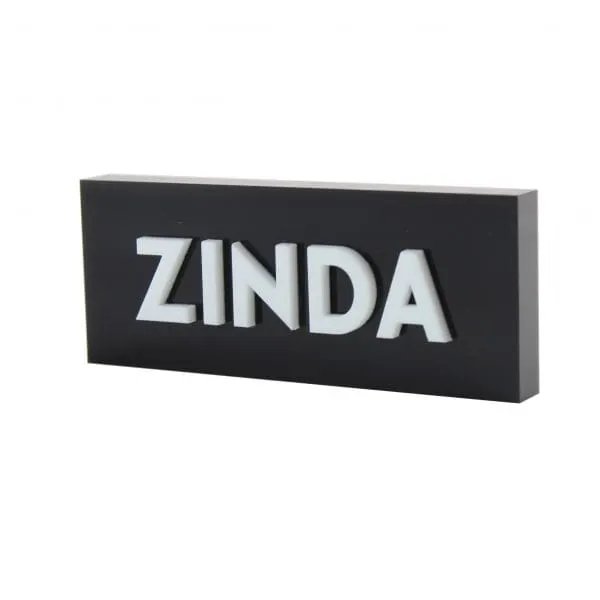
The custom acrylic logo block reference is a useful starting format for fixed branding. It is a different purchasing task from changing a photograph inside a magnetic photo block. State which type the brief requires.
Mark the reading direction before discussing print placement
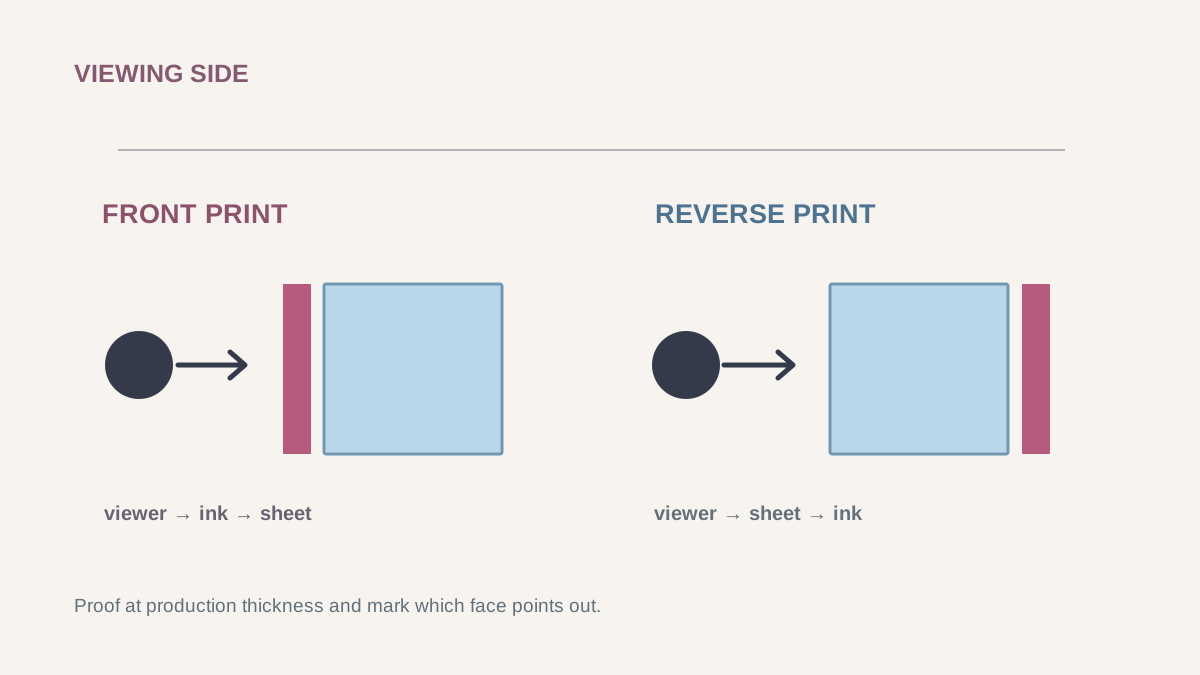
Show the intended front view and rear view as a viewer would read them. Ask the supplier to translate those approved views into the chosen print process rather than mirroring the only copy of the artwork yourself.
Label the top edge, base and viewing direction on the drawing. For two-sided wording, include both views and check whether the rear design shows through the front. A clear block, an opaque background and a white printed layer can change the complete appearance.
The front and reverse printing guide explains the process choice. This schedule records which design belongs on which face. Keep those responsibilities connected so that approval of a readable PDF does not silently approve an unreviewed material or background.
Send an artwork package that can be checked against the block
Provide the best available logo file, exact wording and a view showing its intended position at the finished scale. Include the design software export or vector artwork where available, and ask which production file the selected process needs.
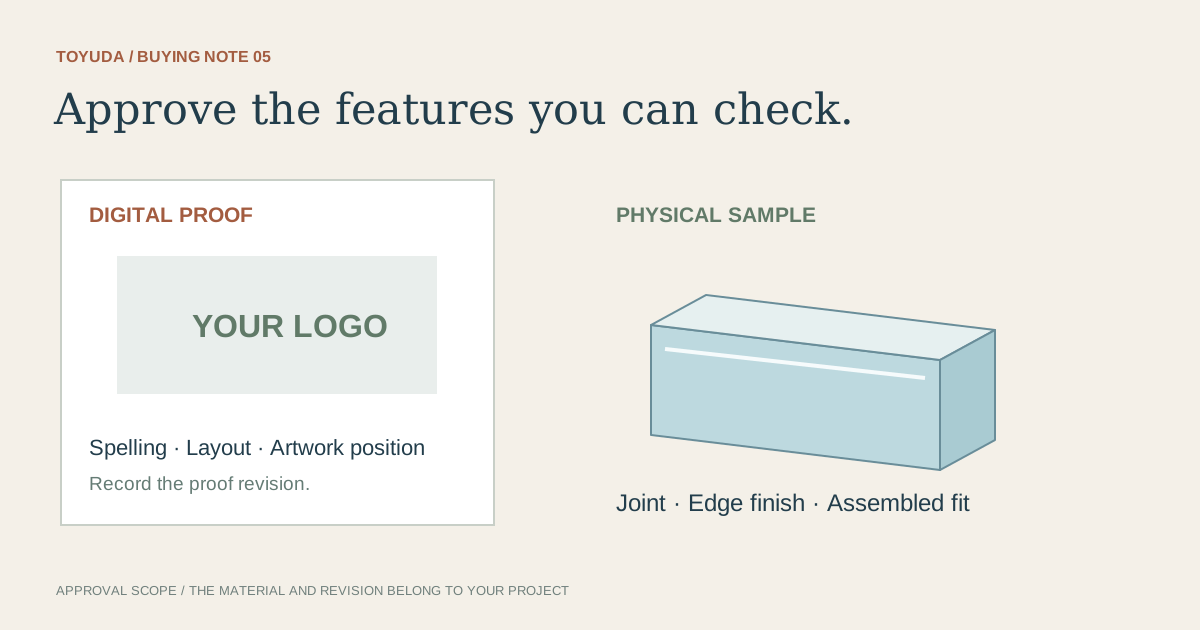
Confirm how fonts and linked images will travel with the file. If text is converted to outlines, keep an editable master in your own records and review the resulting lettering. A screenshot can explain the idea, but it does not establish sharpness or accurate dimensions for production.
State the color reference and viewing conditions separately from the file name. A screen proof communicates layout; it cannot by itself settle the appearance through a clear block or on a dark background. Review fine lettering, transparent areas and the agreed physical color comparison on a representative sample.
Check the quantity total against each released version
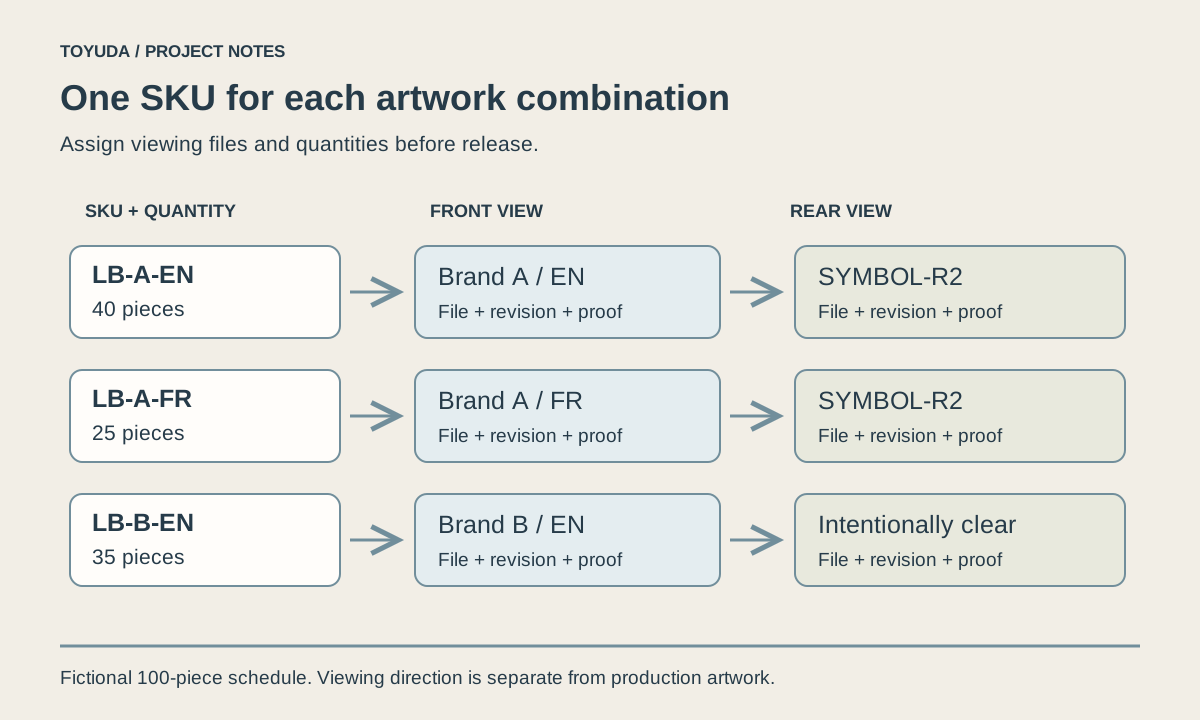
Add quantities only after each row identifies a complete version. In this fictional example, three rows total 100 pieces; the numbers demonstrate reconciliation and are not an order minimum or a customer project.
| SKU / format | Viewed artwork files | Quantity and release status |
|---|---|---|
| LB-A-EN / drawing D3 | Front EN-F3; rear SYMBOL-R2 | 40; proof pending |
| LB-A-FR / drawing D3 | Front FR-F2; rear SYMBOL-R2 | 25; wording correction open |
| LB-B-EN / drawing D4 | Front EN-F4; rear intentionally clear | 35; sample appearance to review |
A common rear image still needs to appear in every affected row. If the French wording changes, mark that row for review and check whether the change also affects its layout, print area or pack label. An order total of 100 does not identify which 100 designs should be produced.
The bilingual black block project records front and rear artwork checks and later dispatches. It illustrates why the two faces belong in the same review; the fictional schedule above is not that project's order list.
Release the schedule together with the approved evidence
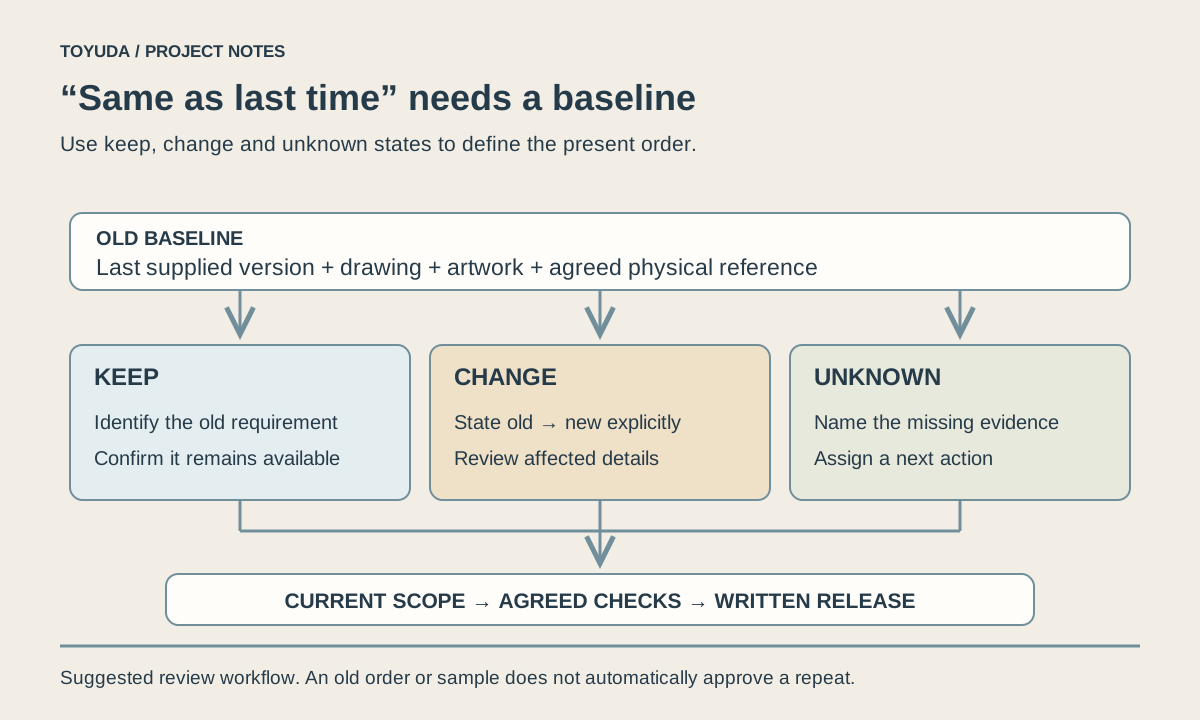
Record what was approved, by whom and against which drawing, artwork and sample references. Open items should remain visible until the responsible reviewer resolves them.
Logo block artwork handover
Project / revision / date:
SKU and intended location or use:
Finished drawing revision and material appearance:
Front viewed artwork file / revision:
Rear viewed artwork file / revision or intentionally clear:
Top edge, base and reading directions:
Quantity per complete version and order total:
Color reference and physical sample scope:
Proof approval / sample approval / open items:
Individual pack label and carton identification:
Release owner and written confirmation reference:
Download this blank project record (.txt). Mark unknown entries “To confirm” and retain the approved revision.
Use the sample approval record for the agreed physical checks and the bulk inspection guide to connect production evidence to these SKU references. For later orders, retain the released schedule as the reorder baseline.
Two artwork handover questions
Does each language version need its own approval?
Identify each version separately and record its approval scope. A shared outline or logo does not confirm another row's wording or layout.
Can I start with a low-resolution reference?
Yes, it can explain the concept. Confirm the final artwork requirements and any preparation scope before approving production files.
Send the block reference, version list and quantities. TOYUDA can coordinate the artwork and sample requirements with suitable suppliers.
Apply this guide to your project brief
Use the version schedule to compare the selected block with its viewing faces and artwork.
- Acrylic Block references
Compare the current reference format with the dimensions, artwork and review scope in your project record.
Related project records
Black Acrylic Display Blocks: Design to Confirmed Receipt
We compared two visual directions for a 100-piece display-block brief, received approval for black acrylic and followed the sea shipment until the buyer confirmed receipt.
PROJECT RECORD · Two dispatches documentedBilingual Black Acrylic Blocks: Artwork & 175-Piece Reorder
We worked through sample thickness and revised bilingual artwork, then coordinated a 175-piece reorder with the front and back checked together.
Prepare your quantity, artwork and delivery details before requesting a quotation.
Compare current product references
Use these formats to apply the guide to a specification. Confirm materials and sample requirements for your project.
- Custom Acrylic Logo Blocks
Specify the viewing faces, material color and artwork position for a printed logo block.