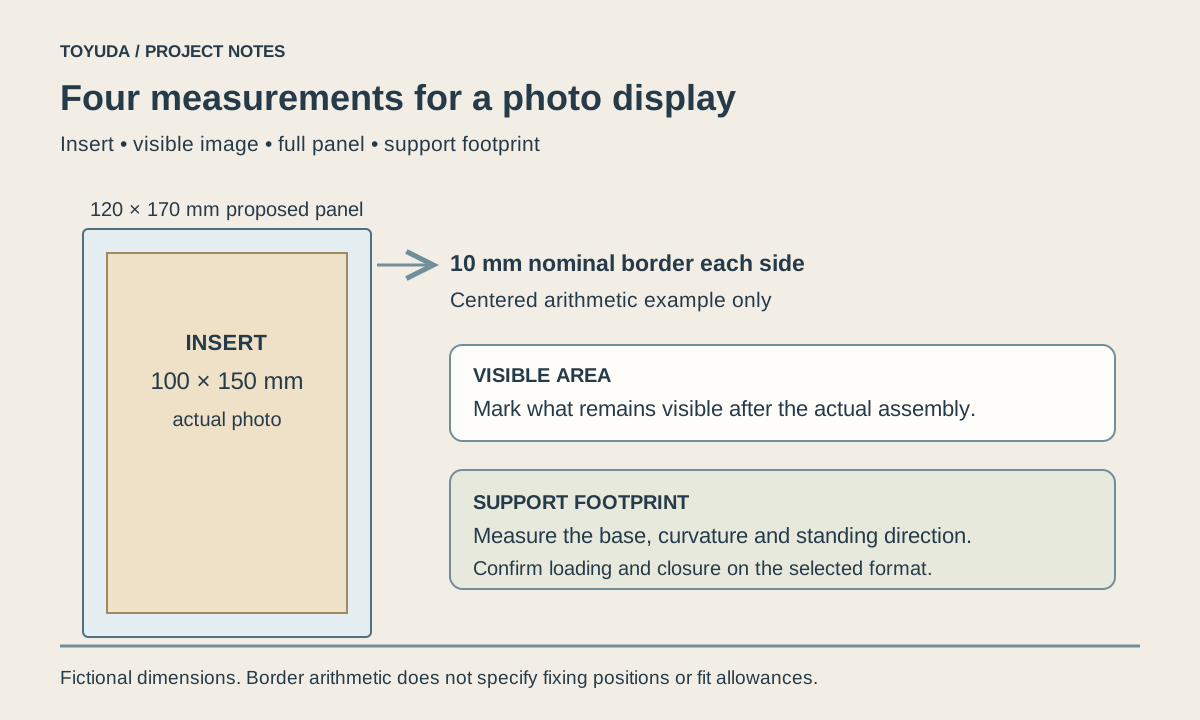
Choose an acrylic photo frame size by recording the actual insert, the image area that must stay visible, the complete panel size and the standing footprint. Trial the real print in the selected construction; a nominal photo size does not define every frame dimension.
Record the insert, visible image, panel and support separately
Measure the finished photo or card, including its thickness and any backing. Then mark which part of the image must remain unobstructed, including captions near the edges.
The complete acrylic panel may extend beyond the photo to form a clear border or accommodate fixings. A shaped support may extend beyond that panel again. Record those outside limits for the desk, counter or shelf where the display will stand.
For a fictional centered layout, a 100 × 150 mm photo inside a proposed 120 × 170 mm panel leaves a nominal 10 mm margin at each side. This arithmetic describes that drawing only. It does not set the magnet size, an insertion allowance or the minimum border of a real frame.
What is magnetic acrylic in a photo frame?
In the magnetic photo-block format, separate acrylic panels are held together by magnets. The term describes the assembly; it does not mean ordinary acrylic sheet itself attracts magnets.
The magnetic acrylic photo block reference places an insert between two clear panels. Review the magnet locations, panel alignment and opening method on the selected sample. The actual insert must allow the panels to seat as intended.
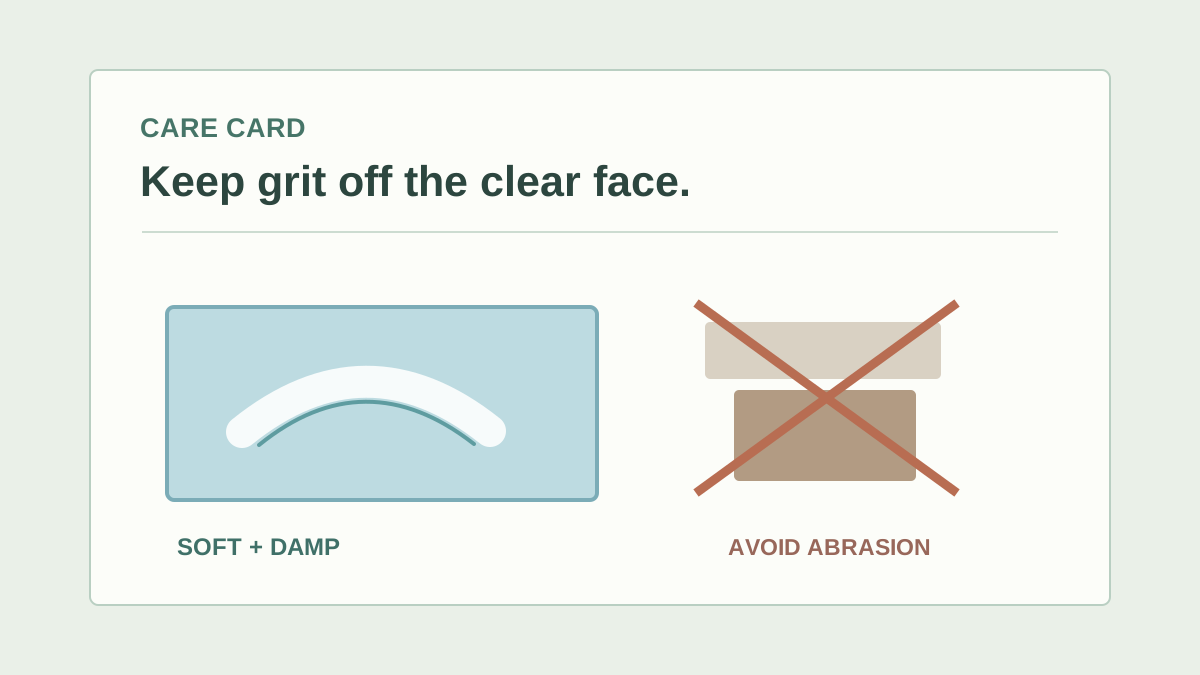
Keep loose components and care requirements within the product specification. Magnet strength, attachment and compatibility are specific to the selected assembly. A magnetic closure does not establish that a frame can mount on a wall or carry an added object.
Compare the loading method of both reference formats
Check the magnetic block and curved double-sided frame as different constructions. Their shared purpose of displaying a photo does not establish an identical opening, border or support.
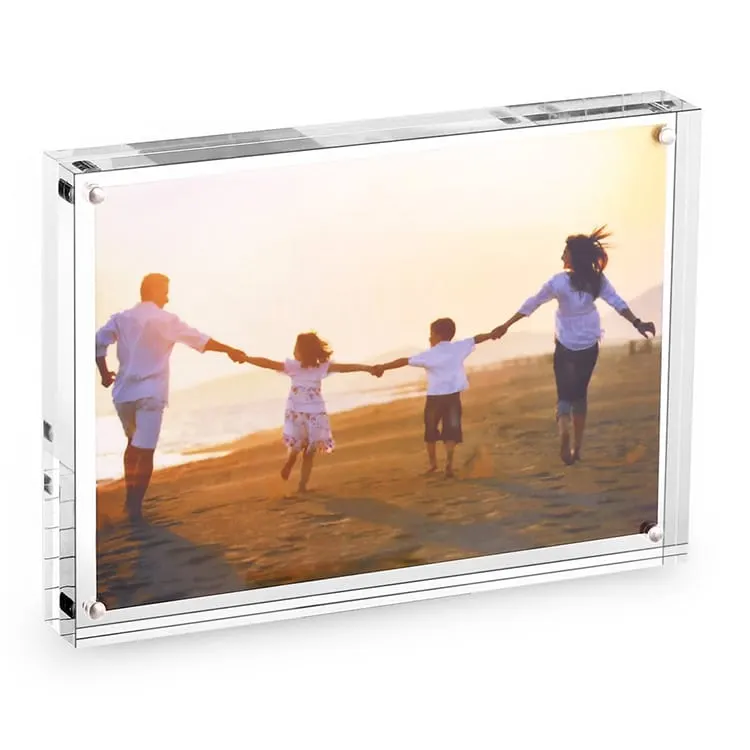
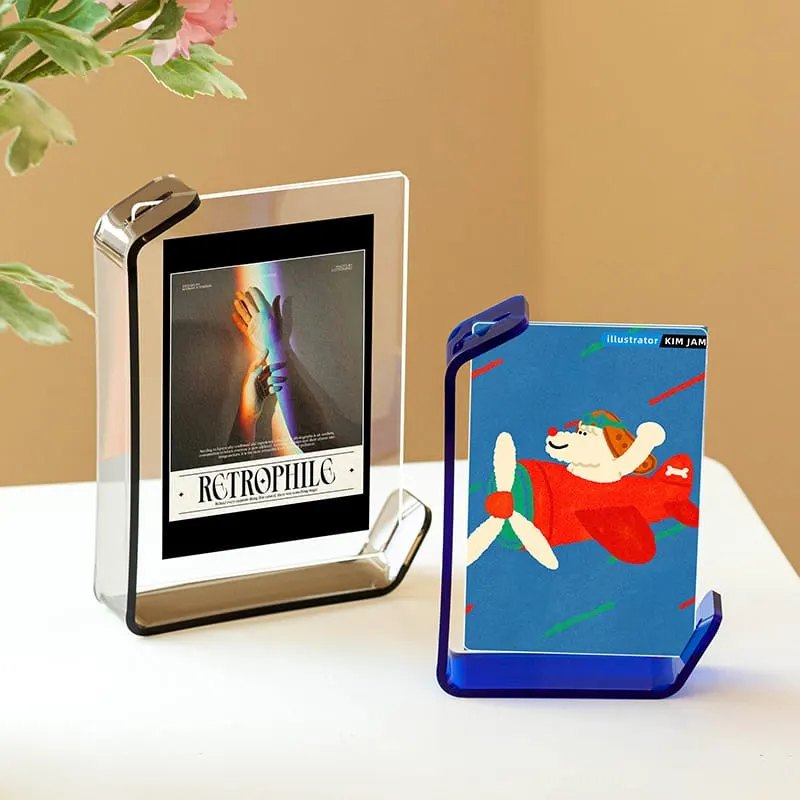
| Check | Magnetic photo block | Curved double-sided frame |
|---|---|---|
| Insert placement | Place the print between the separate panels | Confirm the opening and actual image-loading path |
| Visible boundary | Check the border, magnet positions and any decoration | Check the clear image area and support overlap |
| Changing the image | Review separation, alignment and reclosure with the real insert | Review access without assuming magnetic corner panels |
| Standing orientation | Review the intended supporting edge | Review the shaped support and complete footprint |
The curved double-sided reference has a shaped freestanding support. Ask how the image is loaded in that selected version. A product photograph cannot confirm the unseen opening or the insert thickness it accepts.
Check the complete single-sided or double-sided insert
Trial the actual printed combination, including every sheet, coating and backing. Two back-to-back photos can create a different fit from one thin print even when their width and height match.
View both faces with the intended lighting and background. Check that the second image or its text does not interfere with the first. Mark top edges so the rear view is upright in the intended presentation.
Then open the frame, remove the insert and replace it using the agreed method. Observe panel seating, access and standing stability. If switching between portrait and landscape is important, include both arrangements in this review.
For valuable or sensitive artwork, obtain advice appropriate to that specific object before deciding on direct surface contact or a display method. General acrylic material comparisons do not establish a conservation framing system. The materials guide explains broader material limits.
Keep a fit record with the approved sample
Identify the frame version and the exact insert used for approval. An empty-frame photograph cannot stand in for the completed fit check.
Photo block and frame fit record
Project / frame version / date:
Actual insert width, height and total thickness:
Single or double-sided print and backing:
Required visible image area and captions:
Complete panel size, clear border and fixing locations:
Standing orientation and full support footprint:
Opening, image replacement and closure observations:
Viewed front and rear photographs:
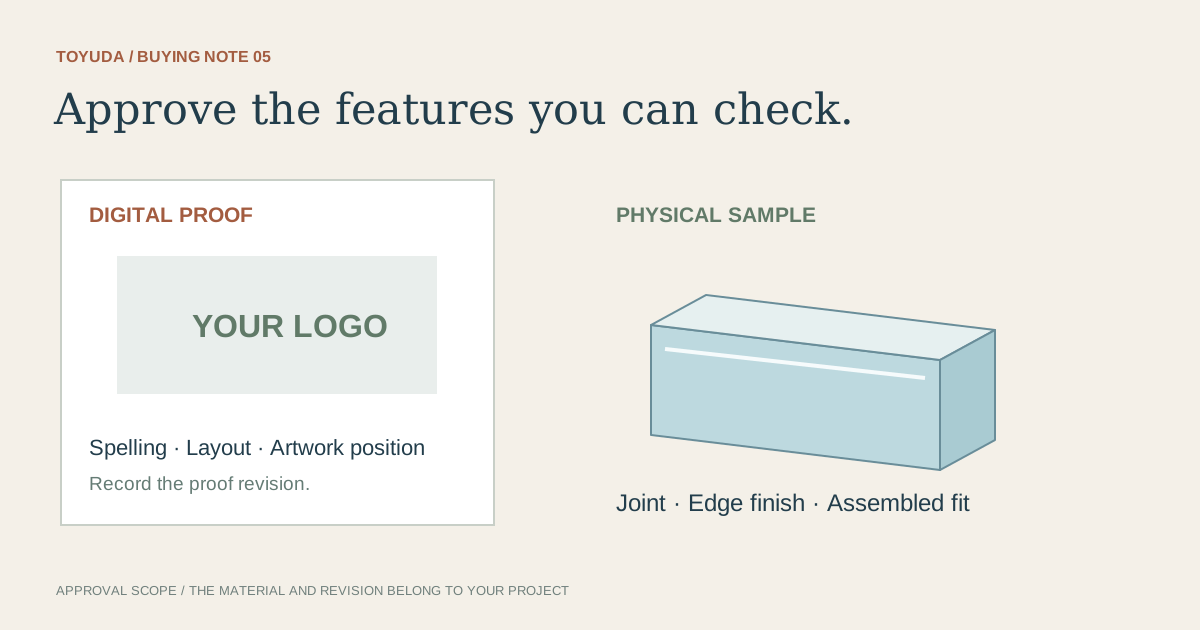
Sample approval scope and unresolved items:
Care instructions and individual surface protection:
Download this blank project record (.txt). Mark unknown entries “To confirm” and retain the approved revision.
Connect the completed record to sample approval and retain the relevant care instructions. If the same frame will be reordered, record changes to paper stock, backing or image orientation in the reorder checklist.
Two photo frame fit questions
Will two back-to-back photos always fit?
Confirm their combined thickness and the selected loading or closure method with an actual sample.
Can one frame be used in portrait and landscape?
Check the intended supporting edges or shaped base in both orientations. Confirm this for the selected frame version.
Send the photo dimensions and preferred frame reference. TOYUDA can coordinate the insert, support and sample requirements with suitable suppliers.
Apply this guide to your project brief
Compare the complete insert and support measurements with the actual photo display construction.
- Acrylic Block references
Compare the current reference format with the dimensions, artwork and review scope in your project record.
- Acrylic Gift & Artwork references
Compare the current reference format with the dimensions, artwork and review scope in your project record.
Prepare your quantity, artwork and delivery details before requesting a quotation.
Compare current product references
Use these formats to apply the guide to a specification. Confirm materials and sample requirements for your project.
- Magnetic Acrylic Photo Blocks
Review image fit, magnetic assembly and care of the transparent viewing faces.
- Double-Sided Acrylic Photo Frames
Check insert loading, visible image and support footprint on the curved freestanding frame.