For bulk personalized acrylic awards, prepare one row per finished piece and connect its exact wording to a proof and packing ID. Approve the master layout and the individual text list separately so that a correct design does not conceal a misspelled name.
Use one row for each personalized award
Give every piece a stable ID before adding names and recognition text. Keep separate fields for the award category, recipient, title, citation, event date and selected product format.
Copy text from the approved source list rather than transcribing screenshots or messages. Preserve capitalization, accents and punctuation. Where two people share the same name, the piece ID should still distinguish their wording and packaging destination.
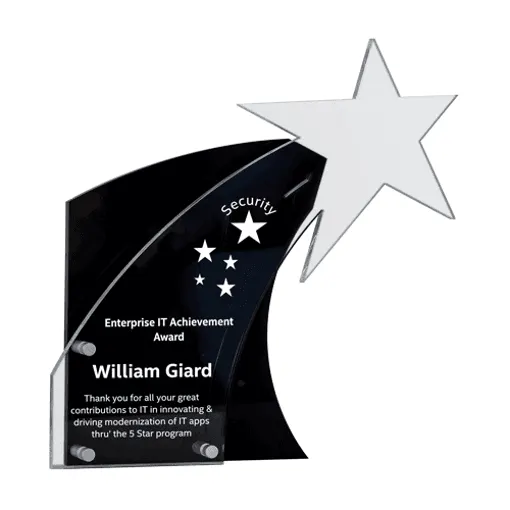
The acrylic award plaque and trophy reference includes different outlines and presentation possibilities. Assign the intended reference to each row; a product-family name does not confirm a shape, base or decoration area.
Check the longest text on the selected outline
Test the longest names, longest citations and required languages in the proposed layout before treating it as a reusable master. Review the actual usable decoration area, including any bevels, curves, base joints or clear zones.
A short sample name can fit while a longer recipient line forces a different size or line break. Ask for representative difficult rows as well as the standard version. Check complete glyphs and accents in the final exported file rather than assuming a font substitution will preserve them.
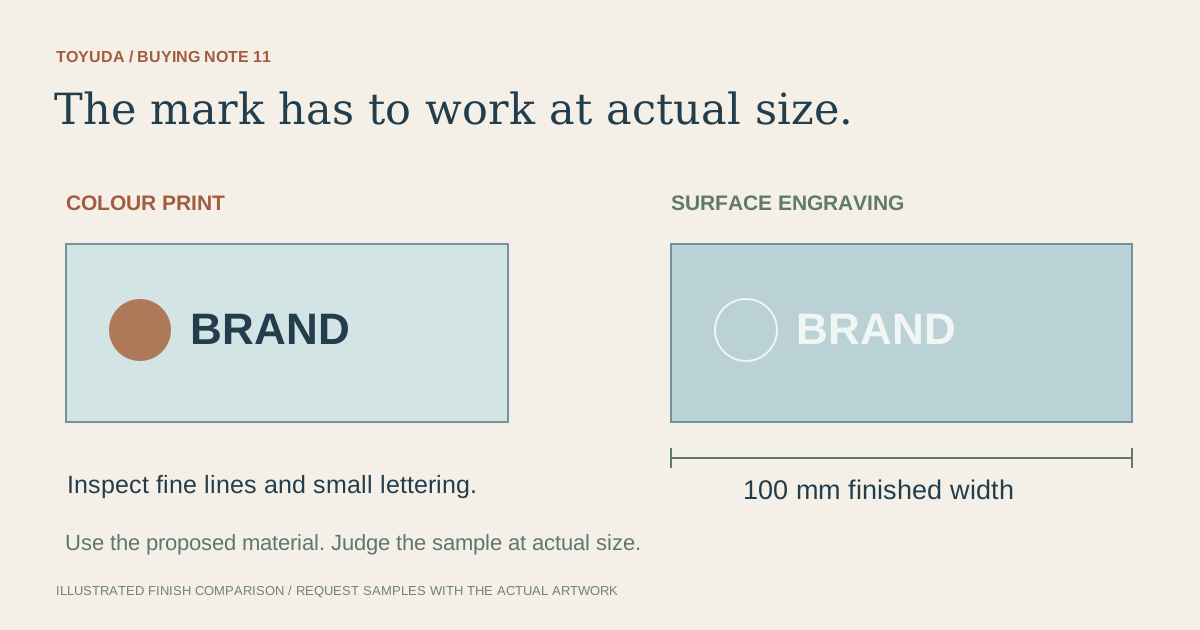
Review the hierarchy at the intended reading distance: award title, recipient and supporting wording should remain distinct. When the design changes between award categories, identify more than one master. The printing and engraving comparison can guide the decoration discussion, while the proof establishes this particular layout.
Approve the master design and every variable-text row
Record layout approval separately from text approval. The master controls placement and appearance; the recipient schedule controls what each individual piece says.
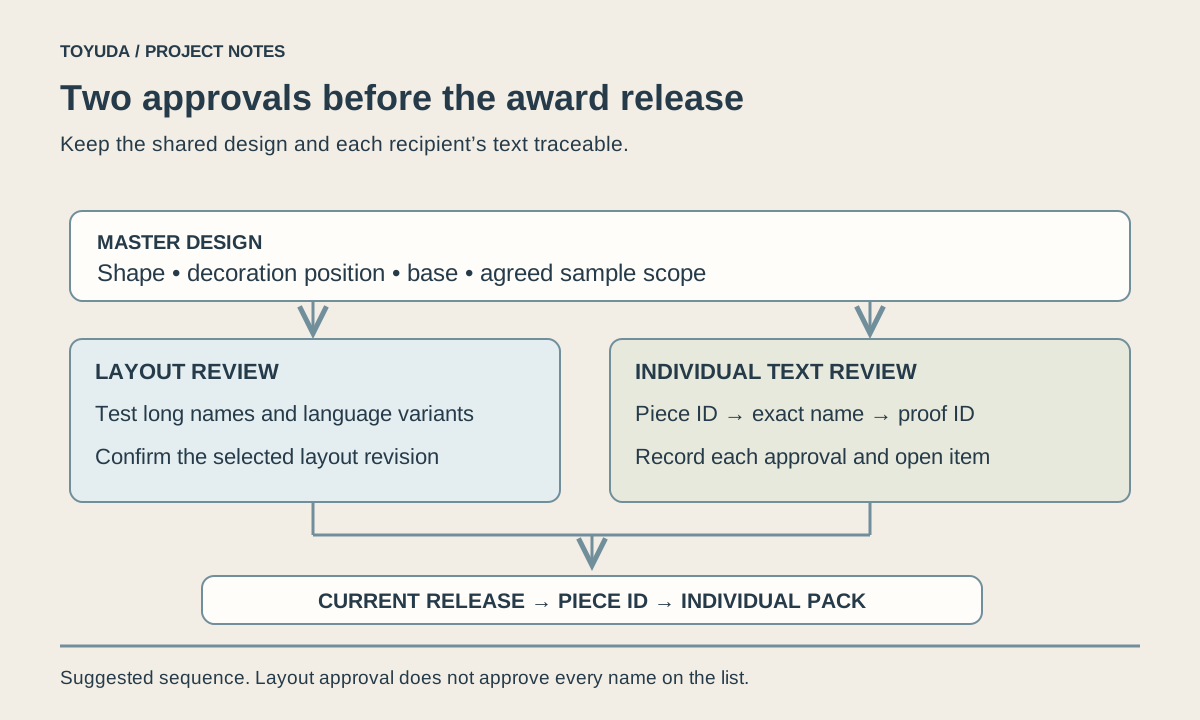
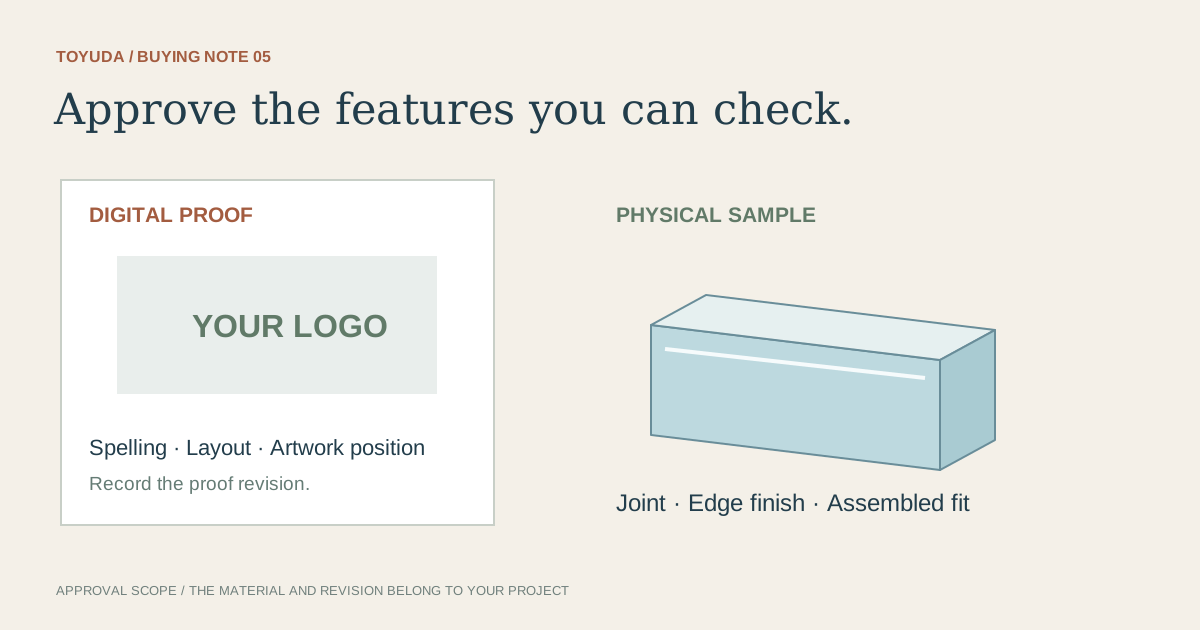
Link a readable proof to each piece ID, or agree an equally traceable proofing method with the supplier. Identify which reviewer checks wording and which checks the overall appearance. Do not let a message approving one example stand for rows that have not been reviewed.
| Piece / example name | Layout and proof reference | Text review status |
|---|---|---|
| AW-01 / Avery Chen | Service master M3 / proof P01 | Example approved row; record reviewer |
| AW-02 / Sam Rivera | Project master M2 / proof P02 | Citation correction pending |
| AW-03 / Alex Morgan | Service master M3 / proof P03 | Not yet reviewed |
Only the first fictional row has a completed text check; that does not approve the other two. Use the sample approval guide to record physical appearance separately from this text schedule.
Make late corrections visible in a new revision
Issue a revised row and proof reference whenever approved wording changes. Ask which production or packing steps are affected before agreeing the next release.
Show both the changed piece IDs and the rows that remain as previously approved. Remove superseded files from the active release package while retaining them in the project's revision history. Confirm how the supplier will identify the current list.
Changes after an agreed production stage may affect feasibility, charges or timing. Those consequences need a project-specific answer; a spelling correction is not automatically a free or immediate change. Keep the event date and delivery requirement in the current brief rather than relying on an older email.
Connect each award to its individual pack
Carry the piece ID into the packing list so the correct personalized item can be located without guessing from its shape. Agree which identifier appears on the individual pack and which information remains inside.
Personalized award release fields
Project / list revision / date:
Piece ID and selected award format:
Exact recipient name and title:
Award category / citation / event wording:
Master layout reference and usable decoration area:
Individual proof reference and revision:
Text reviewer / appearance reviewer / approval record:
Correction status and agreed release scope:
Individual pack ID and packing-list row:
Quantity total, destination and target date:
Download this blank project record (.txt). Mark unknown entries “To confirm” and retain the approved revision.
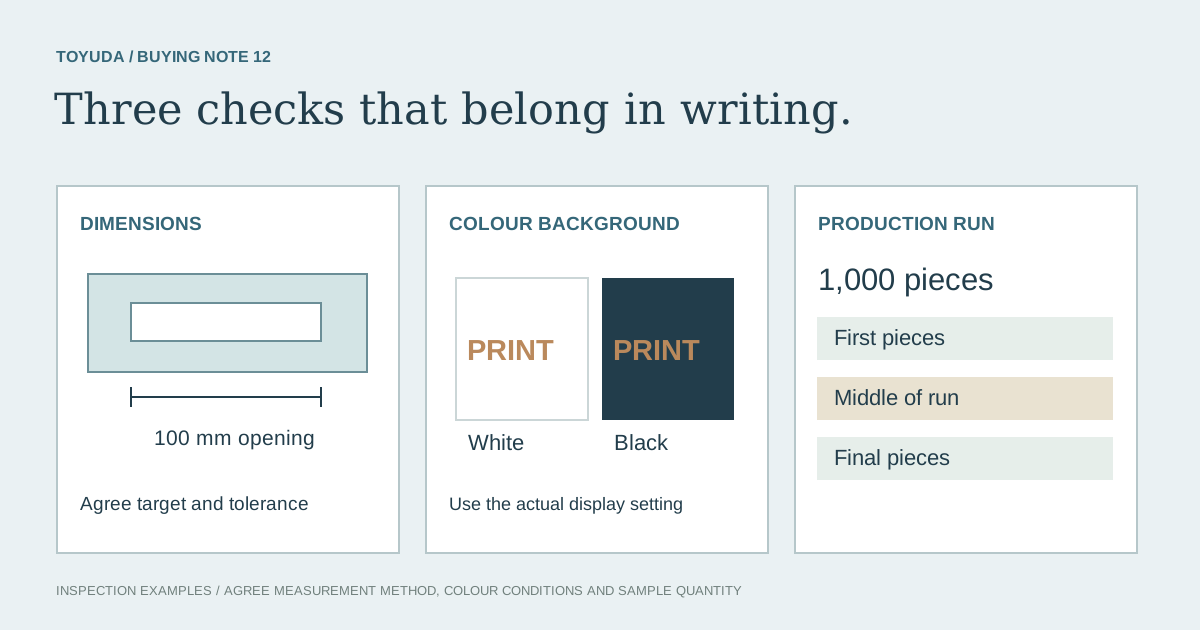
Compare the finished wording and the agreed appearance criteria during bulk inspection, then use the packing handover guide for the complete shipment. The thick award finish discussion is a separate sample and finish review; it does not establish delivery of the fictional awards shown here.
Two bulk personalization questions
Can I enquire about blank awards before completing the names?
Yes. State whether the requested scope is blank supply or personalization, then confirm when the final wording is needed for the agreed process.
Does approving one master approve the complete recipient list?
No. Record which layout and individual text rows are covered by each approval.
Send the award reference, quantity and variable-text fields. TOYUDA can coordinate the proof, sample and packing scope with suitable suppliers.
Apply this guide to your project brief
Connect each recipient row to the selected award format, sample scope and individual pack.
- Acrylic Trophy references
Compare the current reference format with the dimensions, artwork and review scope in your project record.
Related project records
Prepare your quantity, artwork and delivery details before requesting a quotation.
Compare current product references
Use these formats to apply the guide to a specification. Confirm materials and sample requirements for your project.
- Custom Acrylic Award Plaques & Trophies
Compare the award outline, decorated face and base before reviewing a personalized sample.