When ordering custom acrylic keychains in bulk, put each artwork version on its own line. Give the quantity, cut shape, print sides, fitting and pack for that version. This gives the supplier enough detail to quote the artwork and assembly you expect to receive.
Choose printed keychains or photo insert frames
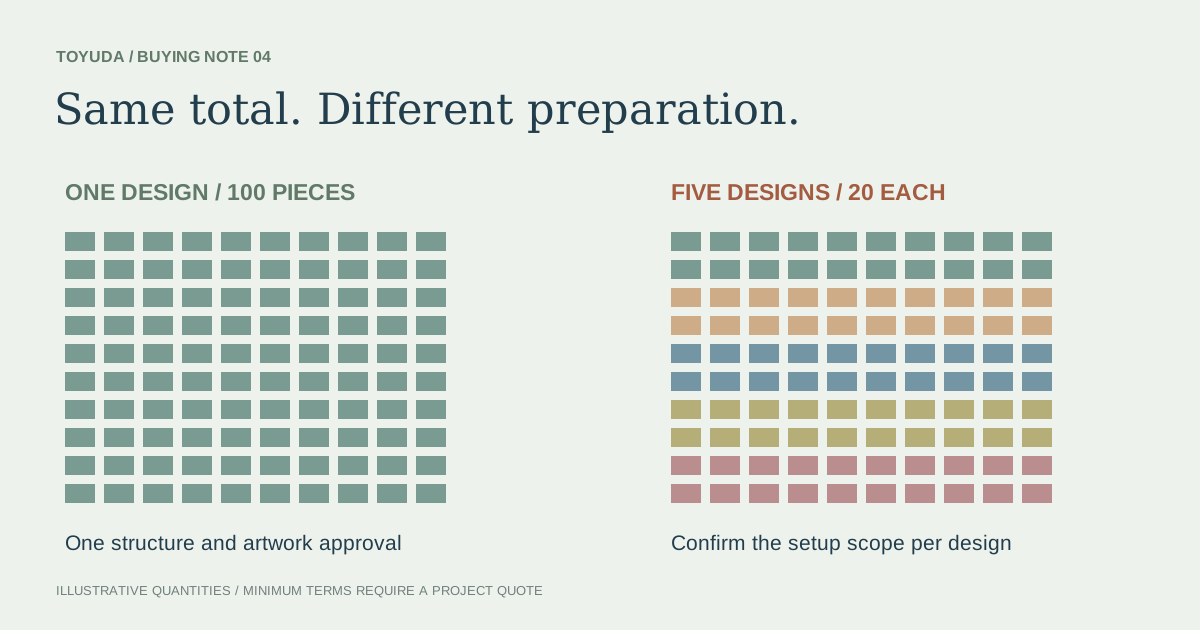
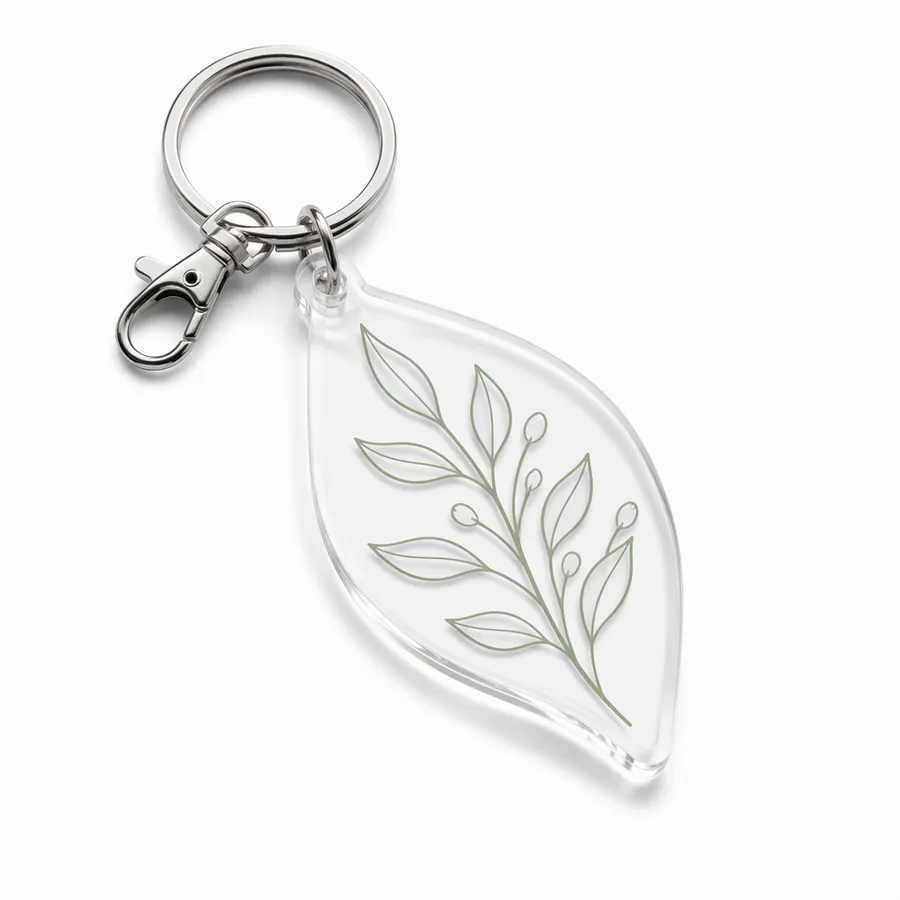
For printed acrylic keychains, agree the acrylic outline and the artwork applied to each face. If a design has several colours or languages, give each version its own file and quantity. Ask the supplier which versions can use the same outline and hardware.
For photo insert keychains, specify the frame and the paper insert separately. Give the insert width, height and thickness, the area that should remain visible, and the direction the insert slides in. Say whether you want empty frames, inserts packed separately or frames with the artwork already fitted.
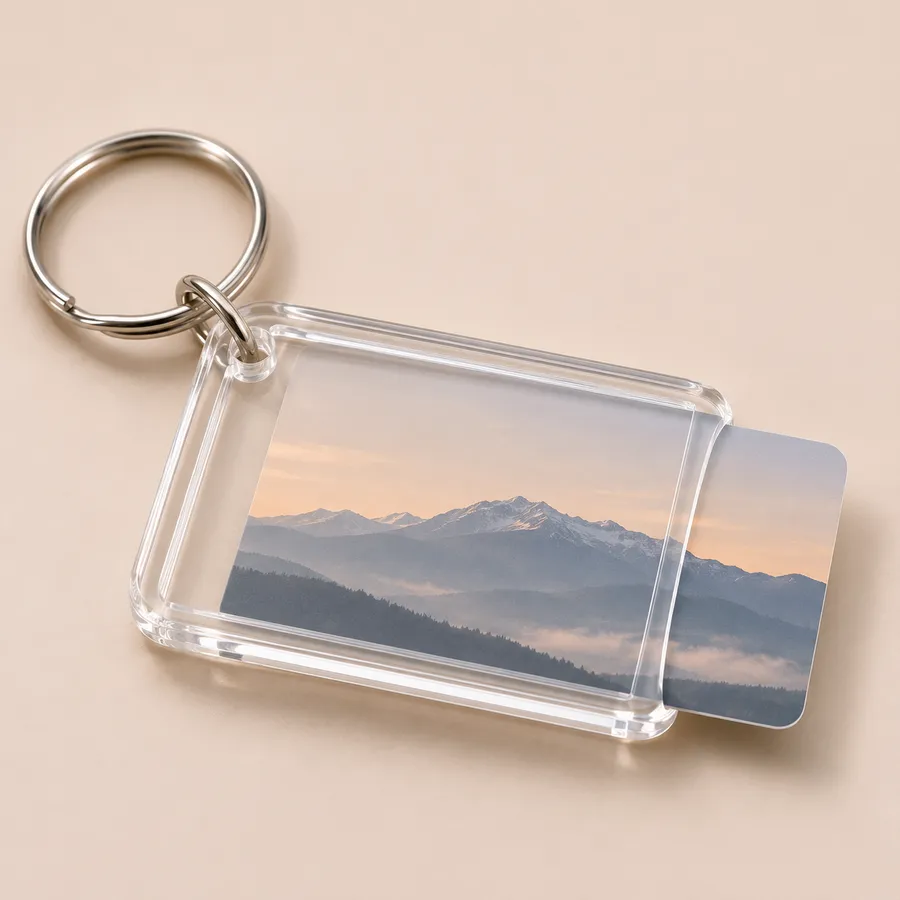
Put the cutline, print sides and counts on the same sheet
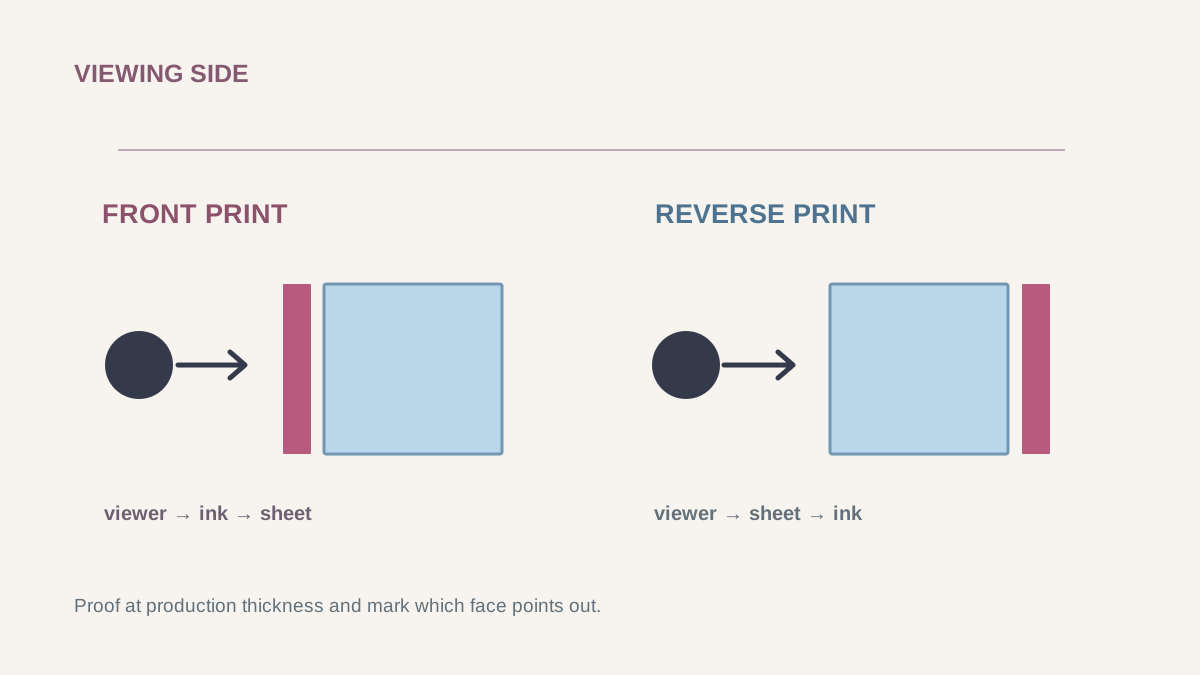
Send a separate cutline if you have one. Mark the finished width and height, the attachment hole and the upright viewing direction. Label the front and back files by version. Show where lettering should read normally, where the acrylic should stay clear and where you want opaque white behind the print.
| Version | Cutline and artwork | Quantity to quote | Fitting and pack |
|---|---|---|---|
| A / event logo | Outline A, front logo only. Confirm the view from the reverse side. | 300 pieces | Silver split ring, individually bagged |
| B / event logo and date | Outline A, front logo and separate date artwork on the back. | 200 pieces | Same ring, individually bagged with a version label |
The example uses one shape across two designs. Ask whether the different artwork or pack labels affect how the supplier groups the run. Check the front and back views on the proof, especially when text will be read through clear acrylic.
Check the assembled fitting and the retail pack
List the main fitting and any connector ring by version. On an assembled sample, check that the connector moves freely through the hole, the acrylic hangs in the intended direction and the clasp or ring fits the intended strap or display hook. For a photo frame, try sliding an insert in with the fitting attached.
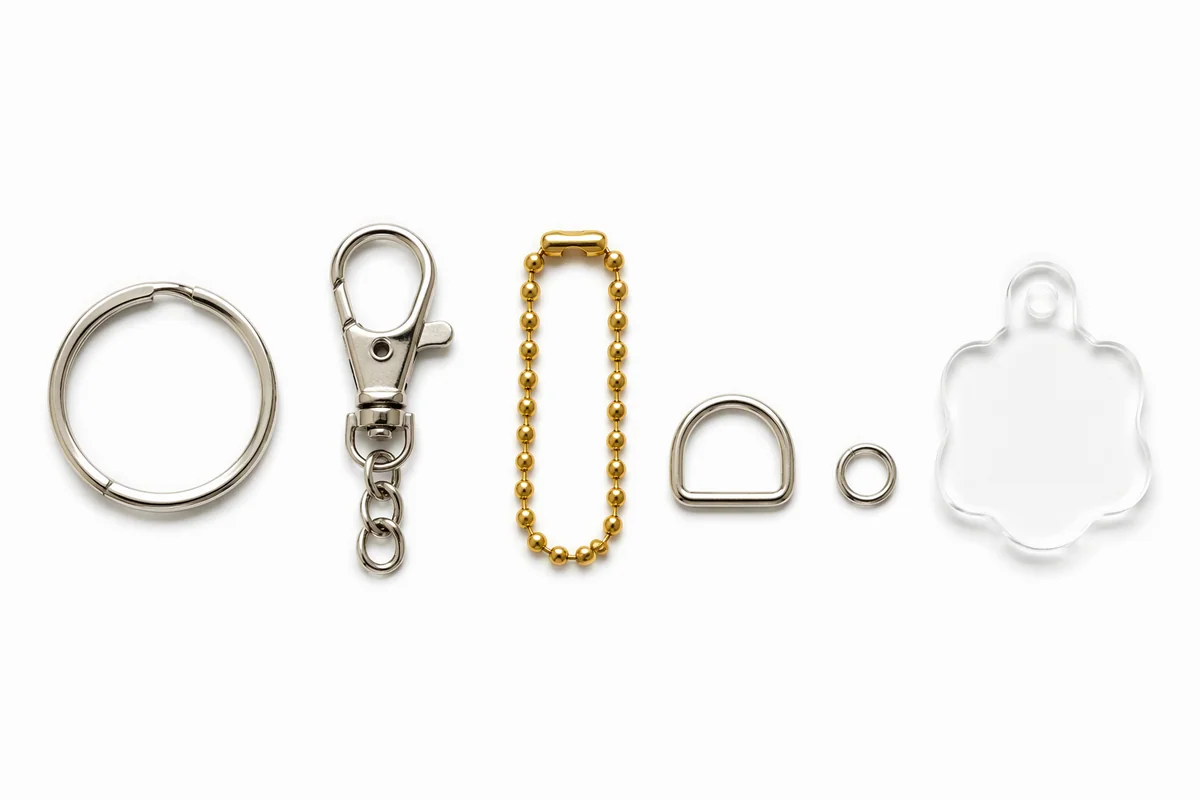
Specify individual bags, backing cards or sets by version. For mixed cartons, list the count for each design and where the version or SKU label should go. Check the packed sample to see whether the hardware can rub against the acrylic. If you use protective film, agree who removes it and at what stage.
Turn a reference image into a keychain RFQ
- Send a reference photo or cutline with the target size, the attachment point and the intended use.
- Attach the front and back artwork you have. Give quantities by version and mark any dimensions or print details you want the supplier to review.
- List the fitting and pack for each version. Add the destination, required arrival date and what the sample needs to demonstrate.
- Ask for a quote that identifies the included artwork setup, sample, hardware and packing. Confirm the versions and quantities that the supplier priced together.
TOYUDA coordinates artwork, hardware and sample review with suppliers. Send your keychain RFQ with the order sheet and reference files.
Compare acrylic keychain formats or review the full acrylic RFQ checklist.